Watch Koha in Action: A Full Demo of the AI Creative Workspace
 Koha Team•
We put together a full walkthrough of Koha so you can see the whole workflow in one place, from typing a first prompt to sharing a finished asset with your team for review.
Everything in one tab
Most creative workflows are stitched together across multiple tools: one for generation, another for editing, a third for sharing files, and a fourth for collecting feedback. Every handoff costs time and introduces the chance for something to get lost.
Koha is built around the idea that all of this belongs in one place. The demo shows what that looks like in practice: a single workspace where you can generate, refine, and review without ever leaving the tab.
Generate across every format
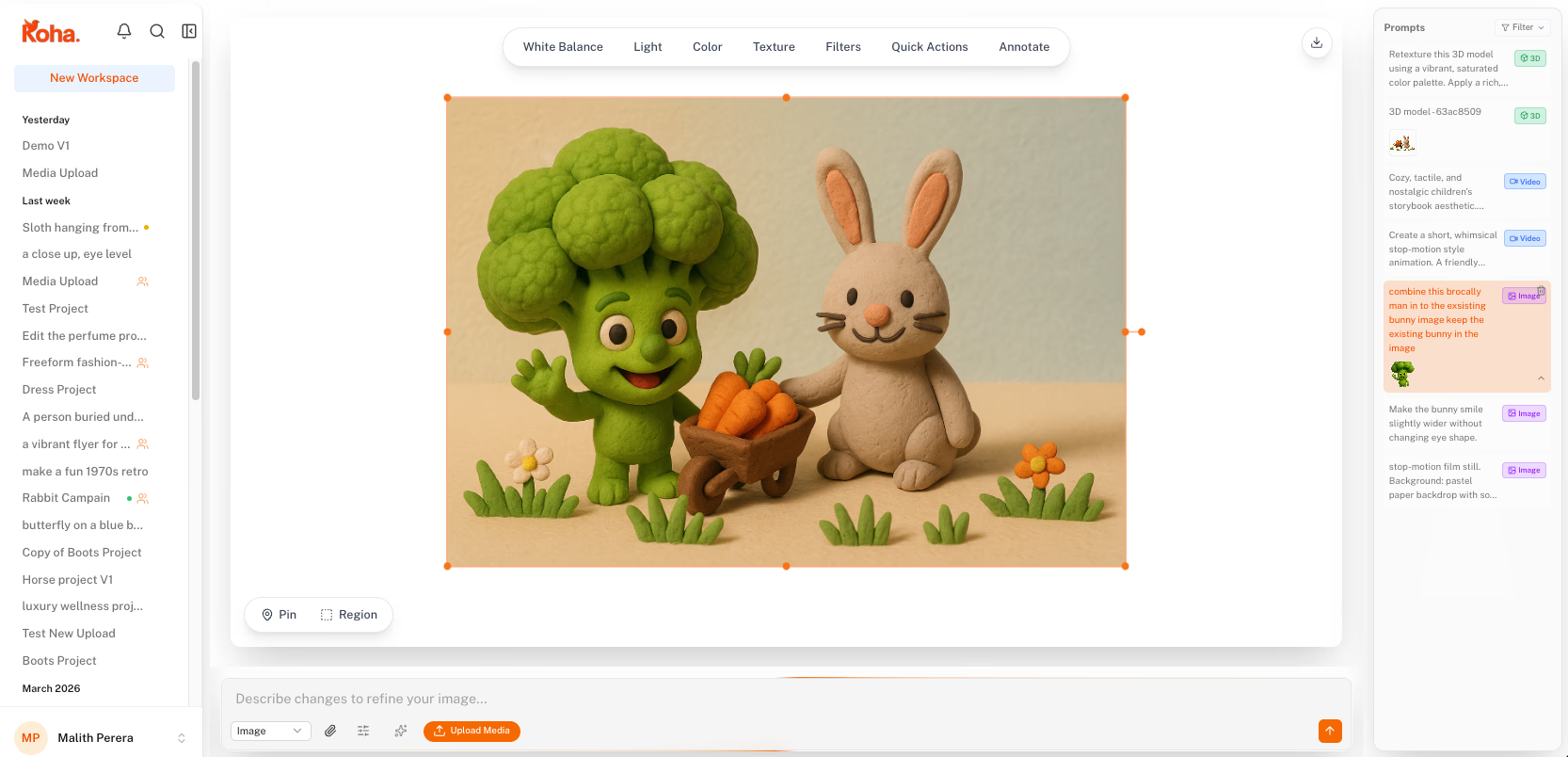
Koha supports images, video, and 3D from the same prompt box. You describe what you want in plain language and the workspace handles the technical side. The demo walks through all three formats so you can see how each one fits into a real creative process.
Every generation is saved automatically. The prompt history panel keeps a full record of your session, so you can jump back to an earlier version at any point without re-generating anything.
Refine without starting over
Getting the first output is the easy part. The real work is in the iteration: adjusting the lighting, swapping a detail, tightening the composition. Most tools make you restart from scratch each time.
In the demo you can see how Koha handles edits as part of the same session. The built-in editor lets you make localized changes directly on the canvas. You annotate the part you want to adjust, type what you want instead, and the AI updates it in context.
Review with pins, not paragraphs
Feedback on creative work is usually vague because it has to be. When you're describing a visual in a comment thread or a Slack message, you lose precision the moment you put it into words.
Koha's pin-based review puts the comment directly on the content. Drop a pin on the exact area, leave your note, and the context is locked to that spot. The demo covers this for images, video, and PDFs, showing how a review cycle that used to take days of back-and-forth can happen inside a single shared workspace.
Try it yourself
Koha is currently in private beta. If the demo looks like something your team could use, you can join the waitlist and we will be in touch with access details.